


Your next project needs a database and a way in. Start with both.
HiveOps runs managed PostgreSQL and the sign-in your users go through, in the region you choose. Create either in a couple of minutes, point your application at it, and spend the rest of the day building the thing you actually sat down to build.
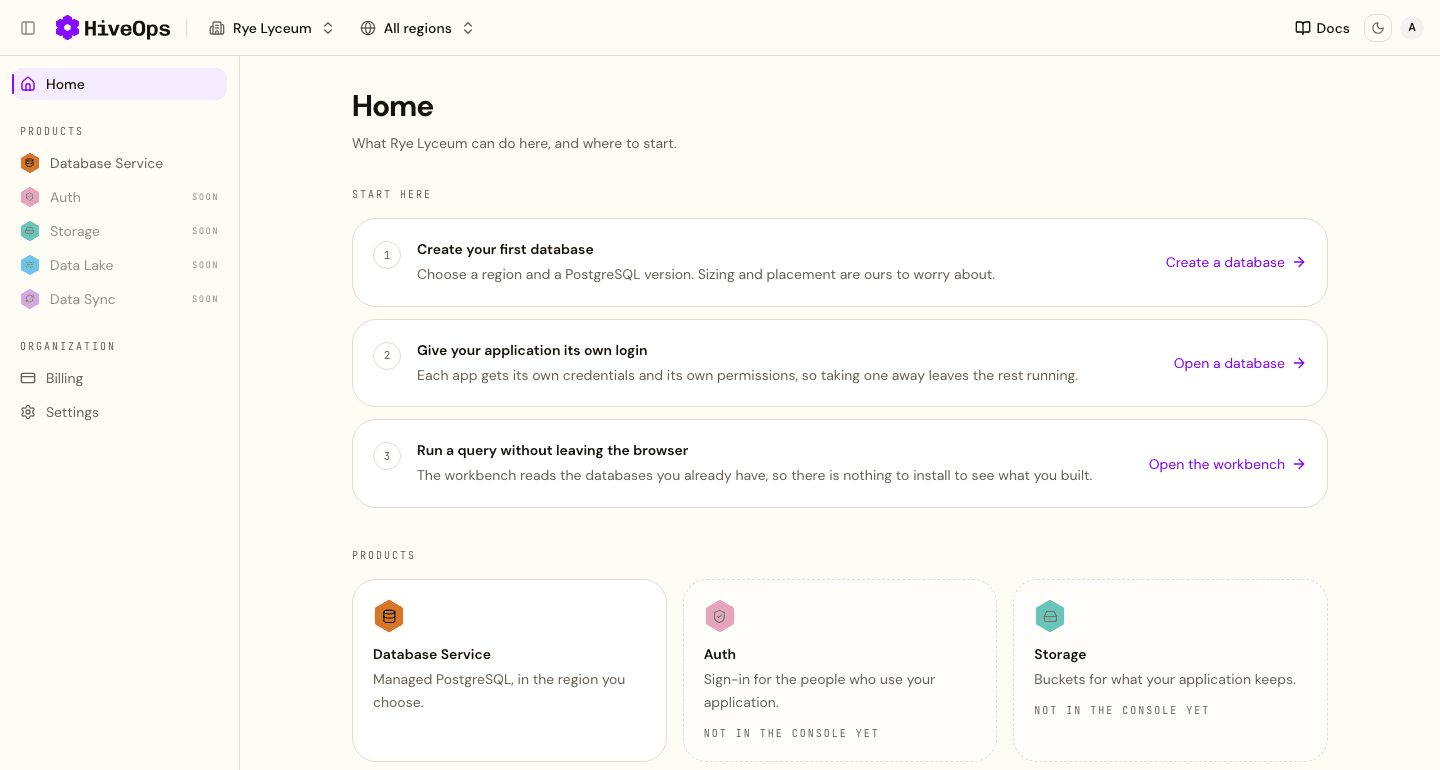
Where to start
Three steps, and none of them are configuration
- 01
Sign in
With Google or GitHub. There is no form to fill in and nothing to install first.
- 02
Create what you need
A database, sign-in for your users, or both. You choose a region and the sizing and the placement are ours to worry about.
- 03
Connect your app
Copy the connection string and the address your users sign in at, and you are building against the real thing.
What you get today
Three products are running, and none of them is a server you look after
Database Service
Managed PostgreSQL in the region you choose, with nothing to size, patch or keep alive.
- A database, not a server
- Closed to the internet until you open it
- A login for each application, and SQL in the browser
Auth
Sign-up and sign-in for the people who use your application, at one address you point it at.
- Email and password, magic links, phone, Google, GitHub and Apple
- Your own users, looked up and put right from the console
- Your own mail, your own wording and your own domain
Storage
S3 compatible buckets for what your application keeps, reached with whatever you already use to talk to object storage.
- Any S3 client, with path-style addressing
- One key per bucket, and you can rotate it
- Browsed, uploaded to and downloaded from the console
What it costs
The free plan, stated in full
Enough to build a real first version rather than a demo. When a project outgrows it, a paid plan raises the ceiling on the database you already have, so there is nothing to migrate.
- database
- 1
- database storage
- 1 GB
- connections
- 5
- auth group
- 1
- bucket
- 1
- object storage
- 1 GB
What is coming
More of your project will live here
Three of the five are running. The other two come next, in the same regions and the same console, so that more of a small project lives in one place.
- Database ServiceManaged PostgreSQL in the region you choose. Available today.
- AuthSign-in for the people who use your application. Available today.
- StorageBuckets for what your application keeps, reached with any S3 client. Available today.
- Data LakeWill hold analytical data for the queries that scan a great deal.Coming
- Data SyncWill move data between your database and the lake without a pipeline to write.Coming
- DashboardsWill hold the answers you keep, arranged the way you want them.Coming
- AnalystWill answer a question in your own words, and show the SQL behind the answer.Coming
- FunctionsWill run your code from a repository, on demand and scaled to zero.Coming
- SitesWill build a website on the platform from a conversation.Coming